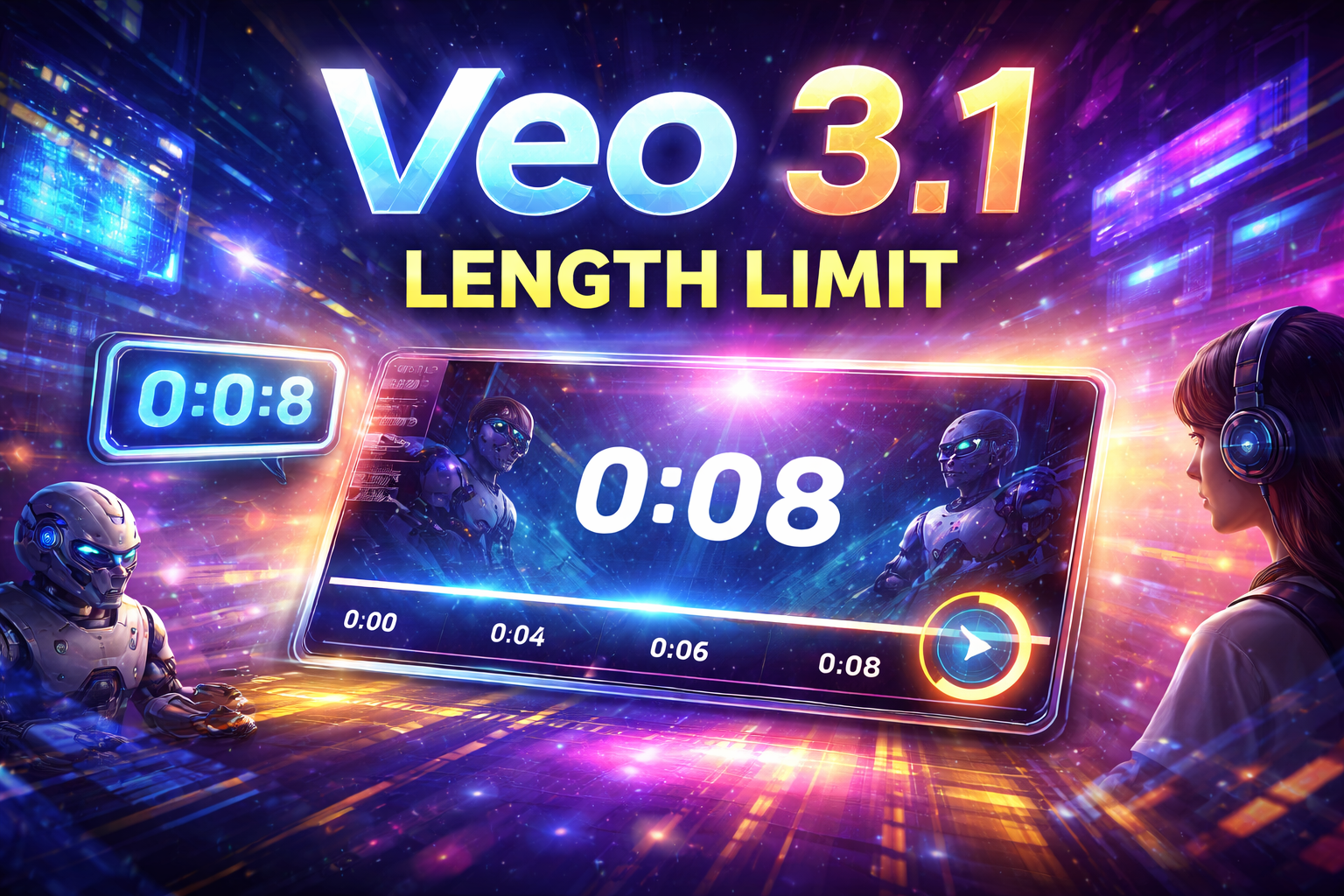
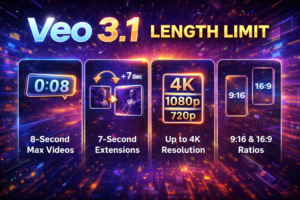
If you have been searching for the Veo 3.1 Length Limit, you are probably trying to answer one simple question: how long can a video be in Veo 3.1? Right now, Google’s official documentation says Veo 3.1 supports 4, 6, or 8 second generated videos, depending on the workflow and model variant you use. In the Gemini API documentation, Google also describes Veo 3.1 as generating 8-second videos with support for resolutions such as 720p, 1080p, and 4K.
That makes the Veo 3.1 Length Limit one of the most important things to understand before you start. Many users assume newer AI video models can create long scenes in one go. In practice, Veo 3.1 is built around short-form generation, which is useful for cinematic clips, visual concepts, ad snippets, mood shots, and quick creative sequences. Google’s Vertex AI release notes also describe Veo video generation as supporting short-duration videos.
For creators in the US, UK, and global markets, this matters a lot. If you know the duration limit from the start, you can plan your prompts more effectively, avoid unrealistic expectations, and structure your project in a way that fits the model. That is especially helpful for bloggers, video creators, marketers, and AI enthusiasts who want to turn simple prompts into polished motion clips.
In this guide, you will learn what the Veo 3.1 Length Limit really means, why it exists, how it affects workflow, what extension options are available, and how to get better results even when the duration is short.
What Is Veo 3.1?
Veo 3.1 is Google’s AI video generation model. Google’s Gemini API documentation describes it as a model for generating high-fidelity videos, while Google DeepMind presents Veo as a video generation system with stronger creative control and native audio capabilities.
Depending on where you access it, you may see Veo 3.1 through Google’s Gemini API, Vertex AI documentation, or related Google AI tools. Across these official sources, the key point is consistent: Veo 3.1 is designed for high-quality short video generation, not full-length video creation in a single shot.
That is why the Veo 3.1 Length Limit is such a common search term. Users want to know whether the system is suitable for quick clips, long storytelling, ad production, cinematic testing, or concept visualization.
What Is the Veo 3.1 Length Limit?
The current official answer is straightforward. Google’s Vertex AI documentation says Veo 3.1 supports video lengths of 4, 6, or 8 seconds. It also notes that reference image-to-video only supports 8 seconds in that context.
Google’s Gemini API page similarly describes Veo 3.1 as generating 8-second videos.
So, if you are asking about the Veo 3.1 Length Limit, the practical takeaway is this:
-
standard generation is currently limited to very short clips
-
the available durations are 4 seconds, 6 seconds, or 8 seconds
-
in some workflows, 8 seconds is the key supported output length
This is important because many people expect “AI video generator” to mean “make a 30-second or 1-minute video instantly.” Veo 3.1 does not currently work that way in its standard generation flow.
Why the Veo 3.1 Length Limit Matters
The duration limit affects almost everything about how you use the model.
First, it shapes your expectations. If you know Veo 3.1 is optimized for a few seconds, you will write prompts differently. Instead of describing a full story arc with multiple scene changes, you will focus on one moment, one action, or one cinematic beat.
Second, it affects production planning. A short clip can still be very useful for:
-
social media teasers
-
visual concept tests
-
ad intros
-
product mood shots
-
storyboards
-
cinematic scene previews
These are all cases where an 8-second maximum can still be powerful. Google’s own documentation emphasizes high-fidelity output and short video creation, which supports these kinds of use cases.
Third, it helps prevent frustration. A lot of disappointment with AI tools comes from expecting them to do something they are not meant to do. Once you understand the Veo 3.1 Length Limit, the model makes more sense.
Why Is Veo 3.1 Limited to Short Videos?
Google’s public docs do not frame this as a weakness so much as a design choice around high-quality short-form generation. The model is presented as delivering detailed, polished clips, with supported framerate and resolution specifications that suggest a focus on controlled output quality. Official specs list 24 FPS and support for 720p and 1080p, with some documentation also mentioning 4K for certain Veo 3.1 contexts.
In practical terms, short clips are easier for current AI systems to keep visually coherent. When duration increases, consistency becomes harder. Motion, objects, lighting, and scene identity all have more chances to drift. So the short limit is likely part of how Google keeps Veo outputs more stable and more realistic. That is an inference based on the model’s short-duration design and Google’s emphasis on quality rather than a direct quote from Google.
Can You Extend Veo 3.1 Videos?
Yes, but this is where it gets more interesting.
Google’s Vertex AI documentation for Veo video extension says input videos for extend must be 1 to 30 seconds, and the extended output length is 7 seconds. The docs also specify limits around format, framerate, and resolution for the extension workflow.
That means while the normal Veo 3.1 Length Limit for direct generation is short, there are workflows where you can extend a video in chunks rather than generating one long video all at once. This does not mean Veo suddenly becomes a long-form movie generator. It means you may be able to build a longer sequence step by step.
This distinction matters. Direct generation and extension are not the same workflow.
Direct Generation vs Video Extension
A lot of confusion around the Veo 3.1 Length Limit comes from mixing these two things together.
Direct generation is when you prompt the model and get a fresh output clip. In official Veo 3.1 docs, this is the part capped at 4, 6, or 8 seconds.
Video extension is when you already have a clip and use Veo to continue it. In this workflow, Google’s docs describe an extension length of 7 seconds per extension output.
So if you are writing about the Veo 3.1 Length Limit, it is more accurate to say:
-
newly generated Veo 3.1 clips are short
-
extension workflows can add time in separate stages
That is a much clearer and more useful explanation for readers.
What Resolutions and Formats Does Veo 3.1 Support?
The official Veo 3.1 docs on Vertex AI say supported output resolutions include 720p and 1080p, with some Veo 3.1 preview-related documentation also mentioning 4K. The model supports 24 FPS and outputs MP4 video. Supported aspect ratios include 16:9 and 9:16.
These details matter because the Veo 3.1 Length Limit is only one part of the workflow. When creators choose an AI video tool, they also care about vertical or landscape formats, file type, framerate, and resolution.
For example, a short 8-second clip can still be highly useful for:
-
vertical short-form content
-
cinematic landscape shots
-
intro sequences
-
stylized ad material
The fact that Veo 3.1 supports both portrait and landscape ratios makes it more flexible for creators targeting different platforms.
Is Veo 3.1 Good for Beginners?
Yes, but only if beginners understand what the tool is for.
If someone expects a full YouTube video generator from a single prompt, they may be disappointed. But if they want short, high-quality AI clips, Veo 3.1 looks much more useful. Google’s own documentation positions it around polished short video generation rather than long multi-scene filmmaking in one shot.
For beginners, the best approach is to start small:
-
generate a single strong moment
-
test one action at a time
-
keep prompts specific
-
use extension only when needed
This makes the Veo 3.1 Length Limit easier to work with rather than fight against.
How to Write Better Prompts for Short Veo 3.1 Clips
Since the Veo 3.1 Length Limit is so short, prompt quality matters even more. You do not have much time in the output, so every word in the prompt should help focus the scene.
A weak prompt might be:
“a city at night”
A stronger prompt is:
“cinematic nighttime street in Tokyo, neon reflections on wet pavement, slow forward camera movement, realistic lighting, light rain, dramatic mood”
The second prompt works better because it defines:
-
subject
-
environment
-
motion
-
style
-
mood
Google’s Veo prompt guide also emphasizes customizing prompts to shape different results and effects.
A useful formula is:
subject + setting + motion + style + mood
This works especially well when your maximum clip length is only a few seconds.
Best Use Cases for the Veo 3.1 Length Limit
Some people hear “8 seconds” and think the model is too limited. That is not always true. Short clips are often enough for real creative work.
The Veo 3.1 Length Limit fits well for:
-
ad hook scenes
-
motion concept testing
-
social video intros
-
AI-generated establishing shots
-
animated mood clips
-
teaser visuals
-
product atmosphere videos
These use cases match the short, polished nature of the model described in Google’s documentation.
In many modern content workflows, short clips are not a weakness. They are the final format.
Common Mistakes to Avoid
One common mistake is trying to fit too much into one prompt. With the Veo 3.1 Length Limit, it is better to ask for one clear shot than a full story.
Another mistake is confusing generation with extension. They are related, but they are not the same. Google’s docs clearly separate direct generation lengths from extend workflow limits.
A third mistake is ignoring technical settings. Aspect ratio, resolution, and output count all matter. Official Veo 3.1 docs also say the maximum number of output videos per prompt is 4.
If you want better results, keep your request specific and your scene simple.
Final Thoughts
The Veo 3.1 Length Limit is one of the most important things to understand before using the model. Right now, Google’s official documentation shows that Veo 3.1 is built for 4-, 6-, or 8-second generated clips, with 8 seconds being the commonly highlighted output length in Gemini API materials.
That means Veo 3.1 is not really about long-form video in one step. It is about high-quality short-form generation. For creators, that can still be extremely useful. The key is to use the model for what it does best: short cinematic moments, visual ideas, ad-ready snippets, and strong scene-based outputs.
And if you need something longer, Google’s Veo extension workflow shows that continuing a clip is possible through 7-second extensions, which gives you a practical path for building longer sequences in stages.
FAQs
What is the Veo 3.1 Length Limit?
Google’s official Vertex AI documentation says Veo 3.1 supports generated video lengths of 4, 6, or 8 seconds.
Does Veo 3.1 generate 8-second videos?
Yes. Google’s Gemini API page specifically describes Veo 3.1 as generating 8-second videos.
Can Veo 3.1 create long videos?
Not in a single direct generation step. Standard output is short-form, though Veo’s extension workflow can add 7 seconds to an existing clip.
What aspect ratios does Veo 3.1 support?
The official docs list 16:9 and 9:16 aspect ratios.
What resolution does Veo 3.1 support?
Official documentation lists 720p and 1080p, while some Veo 3.1 preview-related docs also mention 4K.
Is Veo 3.1 good for social media clips?
Based on its short-duration design, supported aspect ratios, and high-fidelity output, it is well suited to short-form content. That is an inference from Google’s published technical specs.